How Can I Integrate a Learning Management System with Existing HR Software?
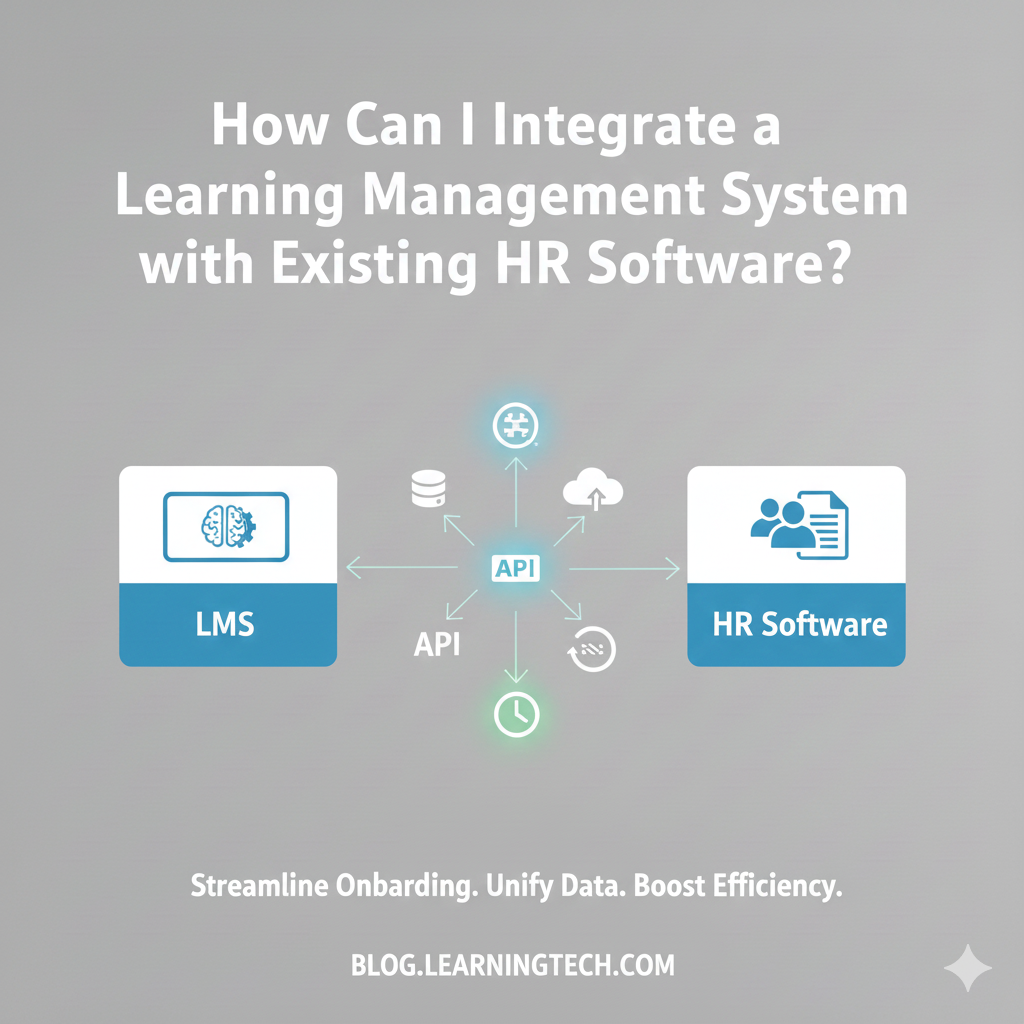
Learning at work has changed. Today, training is not just about completing courses. It is about helping employees grow, perform better, and stay engaged. That is why many organizations now ask a very practical question: how can we integrate a learning management system (LMS) with existing HR software?
If your organization uses a corporate learning management system or any kind of employee training software, integration with HR systems is no longer optional. When learning and HR work together, teams save time, reduce errors, and create a better employee experience.
This blog explains LMS–HR integration in simple, human language. You will learn why it matters, how it works, common challenges, real-life use cases, and best practices. We will also reference modern learning ecosystems like Euctoverse in a subtle way—only where it adds value.
What Does LMS and HR Software Integration Mean?
LMS–HR integration means connecting your learning platform with your HR software so that data flows automatically between them.
Instead of updating employee details, roles, or training records manually in two different systems, integration allows both systems to talk to each other.
In simple terms:
HR manages people
LMS manages learning
Integration connects both
This makes your employee training software part of your everyday HR operations.
Why Is LMS–HR Integration Important?
1. Saves Time for HR Teams
Without integration, HR teams spend hours uploading employee lists, assigning courses, and tracking completion. Integration removes this manual work.
2. Reduces Errors
Manual data entry often leads to mistakes. Integration ensures employee data stays accurate and updated.
3. Makes Learning Relevant
When your corporate learning management system knows an employee’s role, department, or level, it can assign the right training automatically.
4. Improves Employee Experience
Employees do not want multiple logins and confusing systems. Integration—especially with Single Sign-On (SSO)—makes learning easy to access.
5. Supports Better Decisions
When learning data is connected to HR data, leaders can understand skill gaps, training impact, and workforce readiness.
What HR Systems Are Commonly Integrated with LMS?
Most organizations connect their LMS with one or more of the following:
HRMS or HCM software
Payroll systems
Attendance and leave systems
Performance management tools
Single Sign-On (SSO) platforms
A modern LMS should be flexible enough to work with multiple HR tools at the same time.
What Data Is Shared Between LMS and HR Software?
The most common data shared includes:
Employee name and ID
Email address
Department and role
Reporting manager
Location
Joining or exit status
Course assignments
Training completion
Assessment scores and certificates
When this data is connected, learning becomes organized and meaningful.
Ways to Integrate LMS with HR Software
1. API-Based Integration
APIs allow systems to share data automatically and in real time.
Best for:
Medium and large organizations
Companies planning to scale
Benefits:
Fast data updates
High accuracy
Long-term flexibility
Platforms like Euctoverse are built with API-ready architecture, making integration smoother with most HR systems.
2. Single Sign-On (SSO)
SSO allows employees to use one login for both HR software and LMS.
Why it matters:
Employees log in easily
Fewer password issues
Higher learning participation
SSO is often the first step in LMS–HR integration.
3. File-Based Integration
In this method, employee data is shared through scheduled Excel or CSV uploads.
Best for:
Small organizations
Older HR systems
Limitations:
Not real-time
Needs regular manual checks
4. Middleware Tools
Some companies use a third tool to connect LMS and HR software.
Best for:
Large enterprises
Complex system environments
Step-by-Step: How to Integrate LMS with Existing HR Software
1. What Are the Key Requirements for LMS–HR Integration?
Before starting the integration process, it’s important to prepare the basics. A smooth integration depends on a few essential factors:
System Compatibility
Make sure your existing HR software can connect with an LMS through APIs or supported integration methods. Euctoverse is built to work with most modern HR systems.Clear Data Mapping
Decide which data should sync between HR and LMS—such as employee profiles, roles, departments, and training records.User Roles and Access Control
Define who can manage learning, view reports, and access employee data. This ensures better security and accountability.
Having these fundamentals in place makes the integration faster and more reliable.
2. How to Choose the Right LMS for HR Integration?
Not every LMS is designed for enterprise HR integration. When evaluating an LMS for your organization, consider these factors carefully:
Scalability
The LMS should support growth as your workforce expands across teams and locations.Customization
Look for an LMS that allows role-based learning paths, custom reports, and flexible dashboards.Integration Readiness
The platform should support API-based integration, SSO, and structured user mapping with HR systems.Ease of Use
A simple and intuitive interface helps both administrators and employees adopt learning easily.
Euctoverse is designed as a learning ecosystem that fits naturally into existing HR workflows rather than working separately from them.
3. Step-by-Step Process to Integrate Euctoverse LMS with Your HR System
Below is a practical, easy-to-follow approach to LMS–HR integration using Euctoverse:
Step 1: Review Your Current HR Setup
Start by understanding how employee data is currently managed—including onboarding, roles, reporting structure, and exits.
Step 2: Set Clear Integration Objectives
Define what you want to achieve through integration. This could include automatic onboarding, compliance tracking, certification management, or better learning analytics.
Step 3: Select the Integration Method
Most organizations use API-based integration for real-time data sync. For simpler needs, scheduled data syncs or middleware tools can also be used. Euctoverse supports flexible integration options based on system feasibility.
Step 4: Align and Map Data Fields
Ensure employee details such as IDs, departments, designations, and managers are correctly matched between the HR system and Euctoverse LMS.
Step 5: Test Before Going Live
Run test scenarios to confirm that employee data flows correctly, learning assignments trigger properly, and reports are accurate.
Step 6: Enable and Train Internal Teams
Train HR and L&D teams on using the integrated platform—covering dashboards, reports, and learner management.
Step 7: Monitor, Learn, and Improve
After launch, regularly review analytics and user feedback. Continuous monitoring helps optimize learning journeys and improve outcomes over time.
Real-Life Use Cases
Use Case 1: Faster Employee Onboarding
A growing company had employees joining across multiple locations. By integrating HR software with its corporate learning management system, new hires were automatically enrolled in onboarding courses.
Result:
Less HR effort
Faster onboarding
Better first-day experience
Use Case 2: Compliance Training Made Easy
A regulated organization struggled to track mandatory training. After LMS–HR integration, compliance courses were assigned automatically based on role.
Result:
No missed deadlines
Easy audit reports
Use Case 3: Building a Learning Culture
An organization wanted learning to go beyond compliance. With HR data connected to LMS, employees received personalized learning paths, nudges, and rewards.
Modern platforms like Euctoverse support this culture-driven approach using analytics, engagement tools, and mobile access.
Common Challenges in LMS–HR Integration and Simple Solutions Explained
Challenge 1: Old HR Systems
Many organizations still use older HR systems that were not built for modern integrations. These systems may not support real-time APIs or advanced data exchange.
Simple Solution:
Start small. Use file-based data sync (such as scheduled Excel or CSV uploads) or limited API integration for essential employee data like names, roles, and departments. This allows learning to begin without replacing the HR system immediately. As systems upgrade, deeper integration can be added later.
Challenge 2: Data Mismatch Between Systems
Sometimes employee data does not match across systems. For example, job titles, department names, or employee IDs may differ between HR software and the LMS. This creates confusion and reporting errors.
Simple Solution:
Treat the HR system as the single source of truth. All employee details should originate from HR and flow into the LMS. The LMS should only reflect this data, not override it. This keeps records clean, accurate, and consistent.
Challenge 3: Low Learning Usage by Employees
Even with integration, learning may fail if employees do not actively use the LMS. This often happens when platforms are difficult to use, not mobile-friendly, or filled with irrelevant content.
Simple Solution:
Make learning easy and meaningful. Use mobile-friendly access, a simple user interface, and role-based content that matches employees’ actual work. Features like short courses, reminders, and progress tracking help increase participation and engagement.
Challenge 4: Security and Data Privacy Concerns
HR and learning systems handle sensitive employee information. Organizations often worry about data leaks, unauthorized access, or compliance issues during integration.
Simple Solution:
Choose a cloud-based LMS that follows strong security standards. Look for platforms that offer secure APIs, role-based access, encrypted data, and compliance-ready infrastructure. This ensures employee data stays protected while systems remain connected.
Final Note
Most integration challenges are not technical problems—they are planning and adoption issues. With the right approach and a well-designed LMS ecosystem, organizations can integrate learning with HR smoothly and safely, creating a better experience for both HR teams and employees.
Best Practices for Successful LMS–HR Integration
Keep processes simple
Focus on employee experience
Use real-time data where possible
Review learning reports regularly
Choose platforms built for long-term growth
Learning ecosystems like Euctoverse are designed to support integration, analytics, and continuous improvement without adding complexity.
The Future of LMS and HR Integration
In the future, learning systems will:
Suggest training based on performance
Track skills in real time
Support career growth
Strengthen company culture
Integration will help learning become part of daily work—not a separate task.
Frequently Asked Questions (FAQs)
1. Is LMS–HR integration difficult?
No. With the right LMS and planning, integration is straightforward.
2. Can small companies integrate LMS with HR software?
Yes. Even simple file-based integration can add value.
3. How long does integration take?
Basic integration can take a few days. Complex setups may take weeks.
4. Is integrated learning secure?
Yes, if secure APIs and cloud infrastructure are used.
5. Does integration help employee engagement?
Yes. When learning is easy to access and relevant, engagement improves.
Final Thoughts
Integrating a learning management system with existing HR software helps organizations move from basic training to meaningful learning. It saves time, improves accuracy, and supports employee growth.
With the right approach and integration-ready platforms, learning becomes a natural part of work—supporting people, performance, and culture.